
-
Products
 Mobile Utilities


 Mobile Utilities

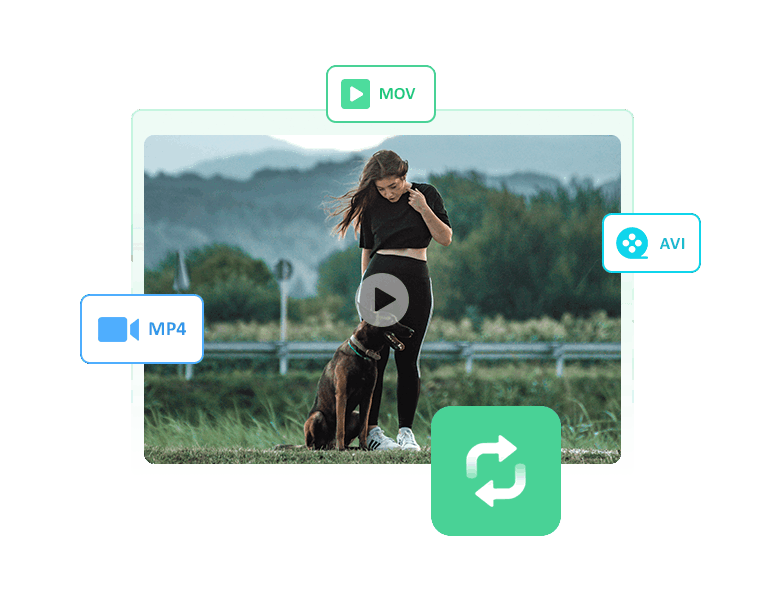
Any Video Converter Ultimate offers a multitude of features. Record videos with exceptional efficiency and quality, convert videos to over 200 formats for compatibility with various devices, edit video clips with cutting-edge tools like cut, crop, flip, and special effects, and create DVDs by burning any video onto blank discs. This all-in-one solution takes your video experience to the next level.
It can be Free Video Converter + Free Video Clipper + Free Video Cropper, Free Video Merger + Free Audio Filter + Speech to Text Generator + Vocal Remover + Video Enhancer + ...
Convert Videos
Burn Videos to DVD

AI Rough Cut
Record screen
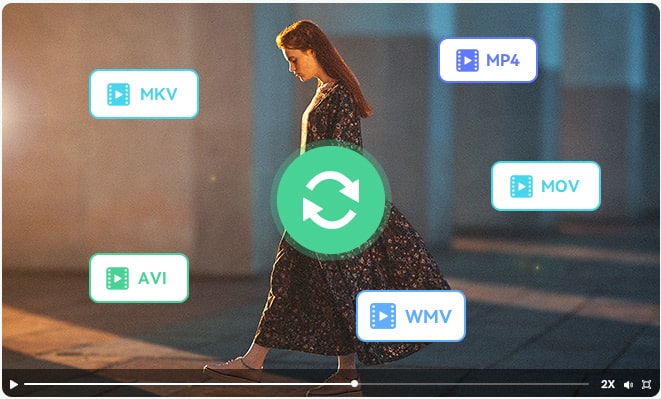
Accelerate video conversions by 30X and convert them effortlessly to any desired format! Any Video Converter Ultimate supports converting almost all video formats including DivX, XviD, MOV, rm, rmvb, MPEG, VOB, DVD, WMV, and AVI to MPEG or MPEG-4 movie formats for iPod, Zune, iPhone, Apple TV, PSP, Xbox 360, PS3, MP4/MP3 Player, Mobile Phone and so on.
It is also an audio converter that can rip audio tracks from CDs and convert any audio files to different audio formats. Extract audio from all videos and DVD movies to popular audio files like MP3, AAC, WMA, M4A, WAVE, FLAC, or OGG audio files for your mp3 players and mobile devices.
It is capable of effortlessly ripping DVD movies to a wide range of popular video and audio formats such as MP4, AVI, WMV, MOV, RM, H.264, 3GP, 3G2, VOB, MPG, FLV, and more, while maintaining excellent quality. With just a few clicks, you can also convert your beloved DVD movies to various devices for seamless playback.
Furthermore, the program supports easily burning your media files onto a blank DVD disc, ensuring compatibility with any DVD player and TV system. Experience convenience and superior results in one tool.

Any Video Converter Ultimate now comes with AI Rough Cut, an intelligent trimming feature designed to simplify and speed up your video editing process.
With AI Rough Cut, long footage is automatically analyzed and split into clear, well-structured segments by detecting scene changes, speaker shifts, and content breaks. No more tedious manual cutting — let AI do the hard work for you.
Whether you’re editing interviews, meetings, gameplay, or presentations, AI Rough Cut helps you quickly extract highlights and organize your content with ease. Enjoy faster editing, cleaner results, and more time to focus on creativity.
Experience the perfect video recording solution. Record anything on your screen. Whether it's media player windows, specific regions using rectangles or freehand selection, or desktop activities, this video recorder has all you covered.
By utilizing a hardware-accelerated encoder for both H.265 (HEVC) and H.264, Any Video Converter Ultimate guarantees speedy and efficient video screen capture. The output will be of exceptional quality and perfectly synchronized.

Any Video Converter Ultimate is the perfect tool for all your editing needs.
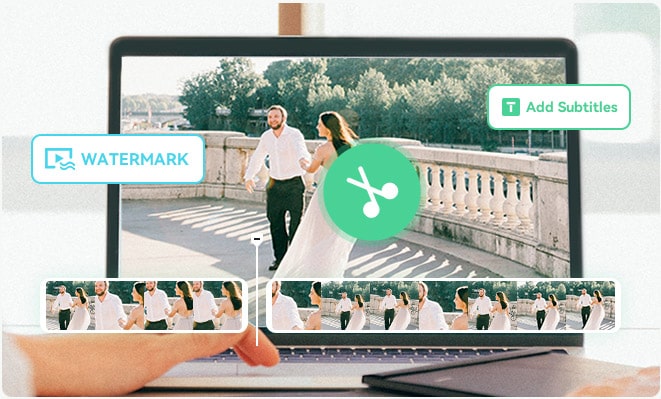
With Any Video Converter Ultimate, you can easily trim video files into multiple clips, merge various media files into one seamless video, remove unwanted borders to highlight your favorite scenes, add a new angle to the action by rotating your footage, enhance the visuals by customizing brightness, contrast, saturation, and resolution, and personalize your videos further by adding subtitles, watermarks, and much more!
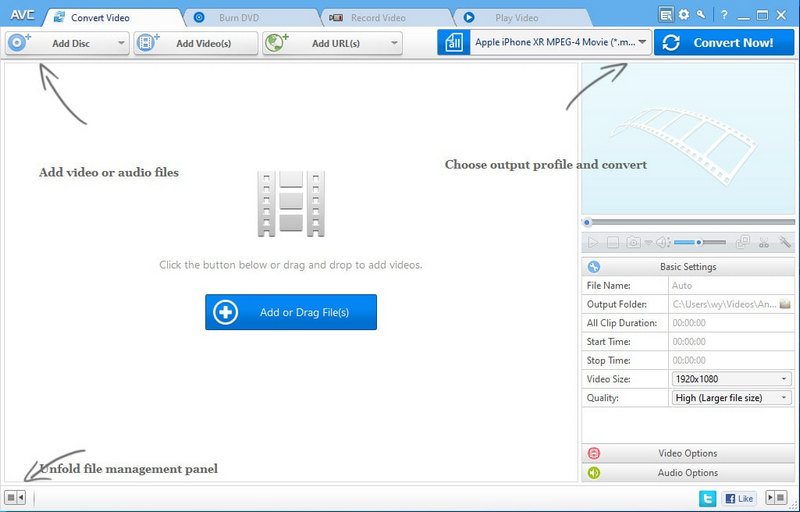
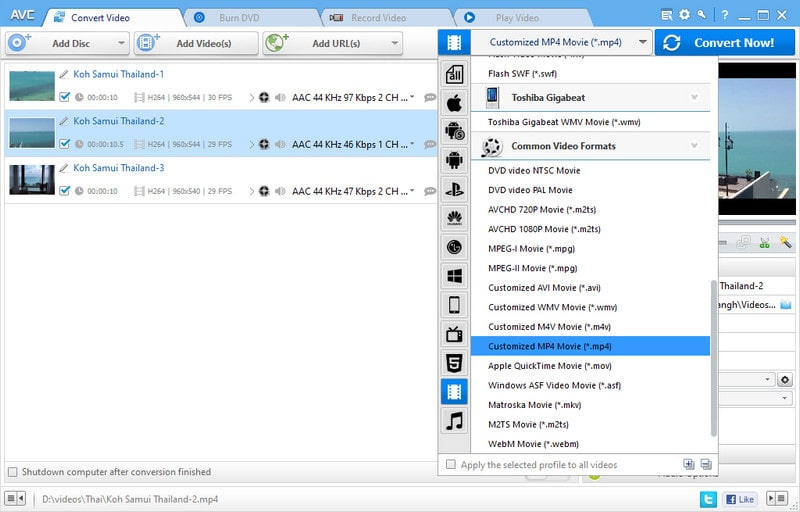
Add Source Videos
Set Output Video Format
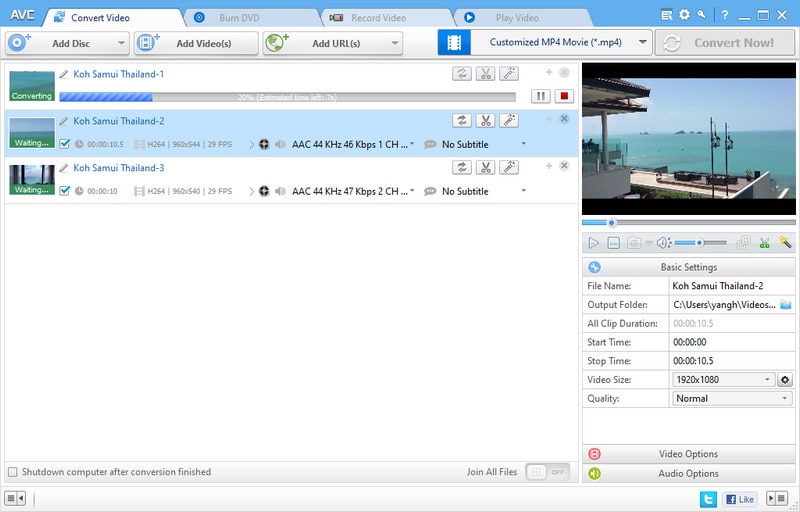
Start Converting Your Video
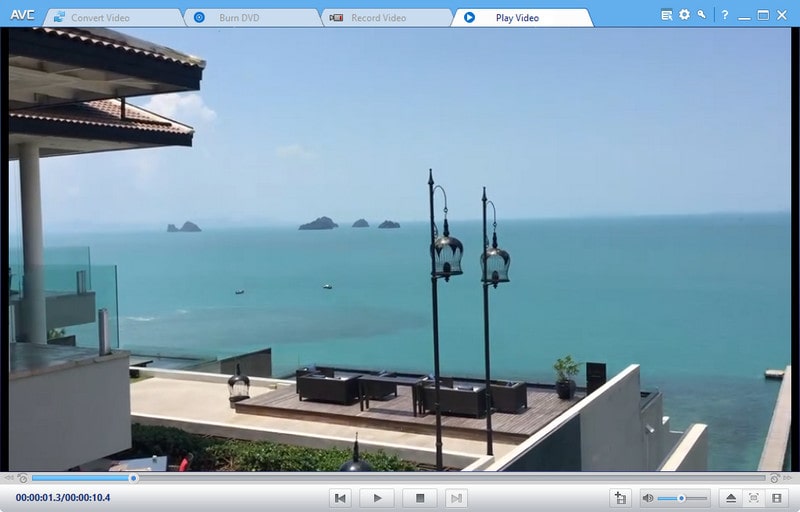
Play the Converted Video
"One of the best video converter I used. I found this program by accident and so far I love it. I've used AVC to convert about a dozen videos, all with the same video quality but only 1/3 to half the file size of the original videos. You can merge videos, do simple editing, and burn your videos to DVDs. But I love it so much that I just purchased the Ultimate version so I can start converting my DVD collection, as well as recording stream videos."
 Theresa

"Very streamlined software that works. The most helpful thing is that it streamlines the entire video conversion process and makes it quick. All you have to do is drag and drop the file in the box and it starts to upload. After that, it is extremely easy to choose your conversion type and size. The whole process is very convenient when you need to upload pretty quickly on multiple social media platforms or your website."
 Travis W.
"This video converter has all the necessary features to create greater compatibility between the many video formats that are still, today, something that still persists with technological advances, not all players have the features to play them. With this tool you can release those technological locks, and see our videos in the place we want."
 Frederick N. A.
"Any Video Converter Ultimate is a great innovative idea to conduct meetings over the internet. This system helps to save both money and time wasted on roads. People can easily join with Any Video Converter Ultimate. Provides a free trial period to test the system. Popular among many companies and countries."
 Adrian P.
"I didn't find a good program for burning songs on CDs or DVDs until Any Video Converter. Easy to use and fast to get. Thanks a lot."
 Kenny Spencer
"Have used it for years and love it. Ran into problems only once recently and got fantastic help from the support team, they kept going until a solution was found, thank you."
 Fríða Þórodds

A professional photo editing tool that utilizes AI technology to enhance image quality and provide a range of photo editing features.


An AI-powered video enhancement and upscaling software to enhance the video quality and upscale video from SD to HD, 4K, and up to 8K.

The AI-powered video blur and face blur app automatically applies blurring effects on faces, objects, background, and foreground.


Money Back Guarantee

100% Secured and Clean

Free Technical Support

Customer Service within 24 Hours
© 2005-2026 Anvsoft Inc.All Rights Reserved.