



Free Video to Audio Converter for Mac
Any Video Converter Freeware is also a free video to audio converter which can extract audio tracks, sound or background music from videos. What's more, it supports converting audio files between different formats.
Supported audio inputs & outputs: MP3, AC3, OGG, AAC, WMA, M4A, WAV, APE, MKA, AU, M4B, AIFF, FLAC, DTS and more.
Free YouTube Video Downloader for Mac
Download Youtube videos in clicks
This free YouTube Downloader lets you download videos from YouTube and convert YouTube videos to any format and burn YouTube videos to DVD.
100+ online video sharing sites supported
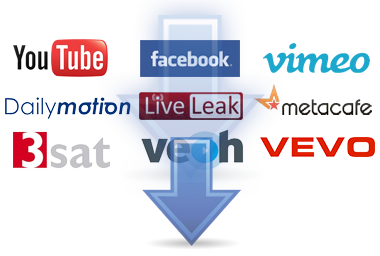
Besides, it can download and convert videos from Facebook, Dailymotion, Vimeo, Metacafe, Howcast, Niconico and other 100+ sites.
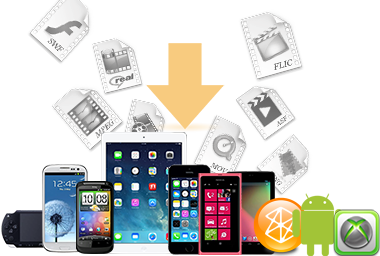
Video Converter for Various Formats and Devices
Any Video Converter is designed with no limitations and zero costs. It lets you effortlessly convert any video files to any format for FREE!
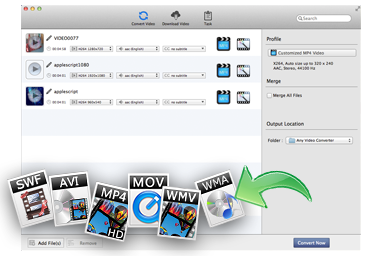
Supported video inputs: MP4, MPEG, VOB, WMV, 3GP, 3G2, MKV, MOD, M2TS, RMVB, AVI, MOV, FLV, F4V, DVR-MS, TOD, DV, MXF, OGG, WEBM and more.
Supported video outputs: WMV, MPG, MP4, AVI, ASF, M2TS, 3GP, 3G2, FLV, MKV, SWF, WEBM, HTML5 WEBM, HTML5 OGG, HTML5 MP4 and more.
Supported output device: iPad Pro, iPad Air, iPad Mini 4, iPad Mini, iPhone 6S/6S Plus, iPhone 6/6 Plus, iPhone 5S, iPhone 5C, Apple TV, Galaxy S III , Google Android, Kindle Fire HD, Sony PSP, Xbox 360 and more.

Free Media Player
Any Video Converter Free for Mac provides users with a built-in media player. You can view the source files in this free video converter without opening another video player.
With the default playback options "Play", "Pause" and "Stop", you can save images from the current video as snapshots in the PNG image format.
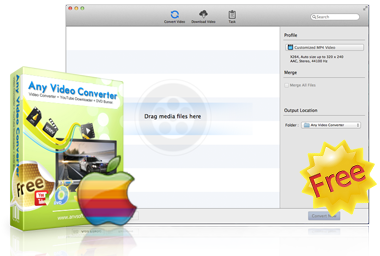
Absolutely Free!
Any Video Converter provides Mac users a completely free software. It contains no spyware or adware. And no online registration is required. You can install it safely and convert or download you video from online video sharing websites like YouTube, MyVideo, etc. for free!
The updates are also free. When a new version is available, you can install it easily and use the improved functions.